
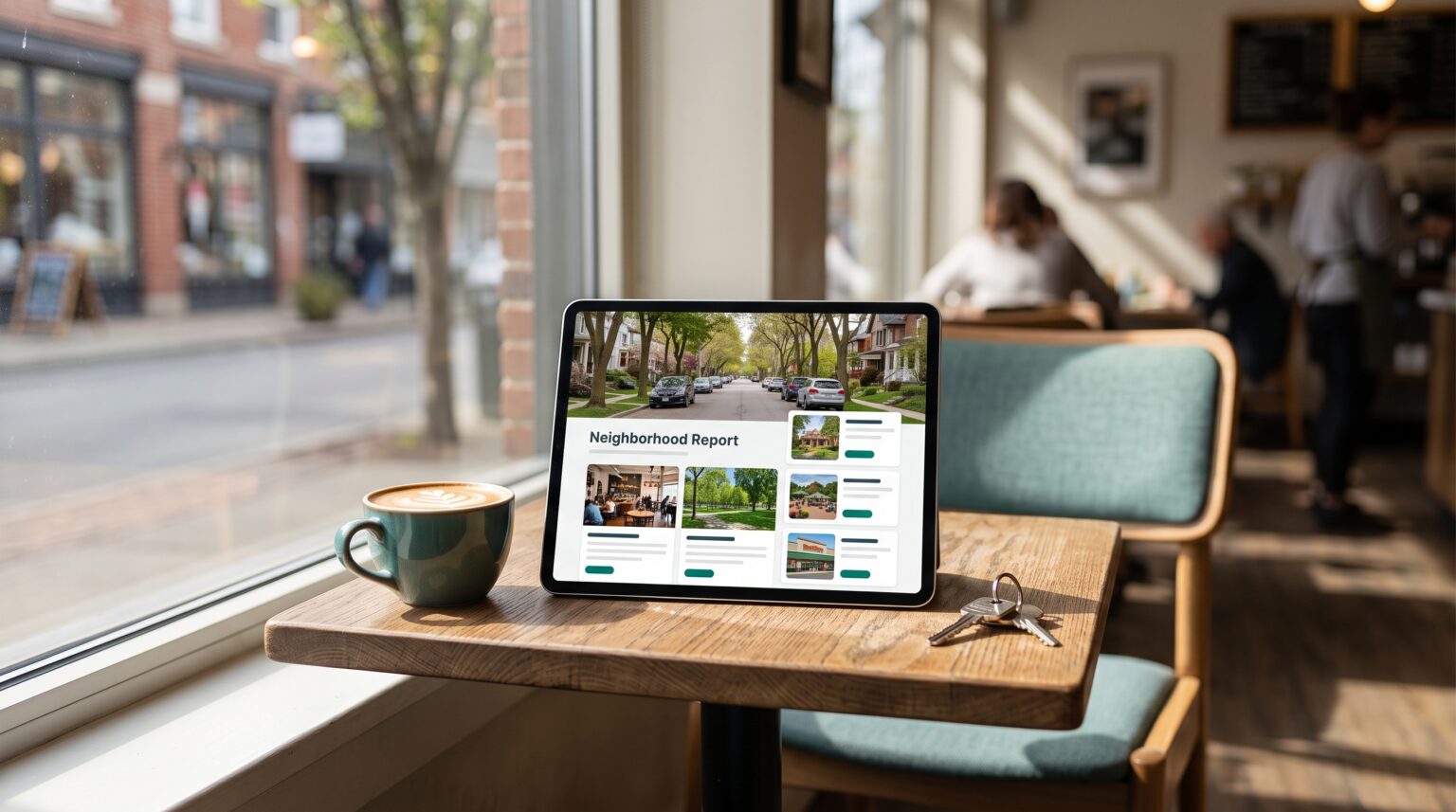
Creating a neighborhood report used to mean hours of research, hiring a VA, or even a marketing team. Now it takes one sentence. In this week’s Tuesday Tips with Todd, I show a Claude skill where you type a neighborhood and a city, and Claude researches the area, cites its sources, and builds a shareable report in Gamma.
Check it Out!
Below is the link to download the skill.
What Is an AI Neighborhood Report?
An AI neighborhood report is a detailed, sourced guide to one, specific neighborhood. The magic happens with using AI to create it (in this case Claude). It answers what a buyer wants to know before they move: where they’ll eat, shop, take the kids to the park, and spend a Saturday.
Most neighborhood guides agents send are a portal’s stats page or a template with the blanks half filled in. They’re boring. This one is specific. Every place has a name, and every claim has a source the reader can check.
Think things like the list below:
| Section | What it includes |
|---|---|
| Dining | Named restaurants and coffee shops in and near the neighborhood |
| Groceries and errands | Named grocery stores and everyday stops |
| Schools | The public and private schools that serve the area, with links to official sources |
| Parks and recreation | Named parks, trails, and outdoor spaces |
How the Claude Skill Builds the Report
You give Claude a neighborhood and a city and Claude handles the research, the writing, the sources, and the Gamma build.
- Install the skill. Download it below and upload it in Claude under Customize > Skills. Gamma needs to be connected to your claude desktop app.
- Name the neighborhood. Type something like “Build a neighborhood report for [Neighborhood], [City].” That’s the whole prompt. It’s really that easy.
- Let Claude research. It searches the area, pulls real places, and cites where each one came from.
- Get the report in Gamma. Claude builds it as a polished, shareable page. Send the link, post it, or attach it to a follow-up.
- Review before you send. Spend two minutes clicking through the sources. Restaurants close and hours change, and your name is on the report.
If you watched the listing landing page episode, this is the same idea. Claude does the work, Gamma makes it look good, and you get something you can share in minutes.
How to Use It as a Lead Magnet
A neighborhood report is something people actually want, so it works as a lead magnet. Offer it in exchange for a name and email, and AI can build and deliver it automatically.
Pair the skill with a landing page or a social post that asks one question: which neighborhood are you curious about? The lead raises a hand, the report goes out, and you have a reason to follow up that isn’t “just checking in.”
Other ways agents are using it:
- Existing leads and your sphere. Send a report on the area they keep asking about.
- Relocation buyers. Give out-of-town buyers a real picture of a neighborhood before they fly in.
- Listing appointments. Show sellers you know their area better than the agent who came before you.
- Open houses. Hand visitors a QR code to the report for that neighborhood.
The Fair Housing Rules You Can’t Skip
A neighborhood report describes places, not people. Stick to amenities and facts. Leave out anything about who lives there, how safe it is, or which schools are “good.”
- No people. Don’t describe residents, demographics, or who a neighborhood is “perfect for.”
- No safety calls. If a buyer asks about crime, point them to the local police department’s public data and let them decide.
- Schools as facts, not rankings. List the schools and link to the official district or state report card. Don’t rate them for the buyer.
NAR’s fair housing resources include an FAQ on steering, crime, and schools that’s worth ten minutes of your time. Then read every report before it goes out.
Founder’s Take
I’ve spent the past year traveling and teaching rooms full of agents how to use AI in their business. This is the demo that gets the lightbulb reaction every time. What used to take hours, a VA, or a marketing team now takes a few minutes. The report itself isn’t the point, though. The point is that you can show up to every lead with something specific about the place they want to live, and most agents can’t.
Download the Skill
Download the AI Neighborhood Report skill
Upload it in Claude under Customize > Skills, name a neighborhood, and you’ll have your first report in a few minutes. New to Claude? Start with my complete guide to Claude for realtors to get set up first. For more tools like this one, start with the complete guide to AI tools for real estate agents, or go deeper with Parciva’s AI training. https://parciva.com/ai-accelerator/