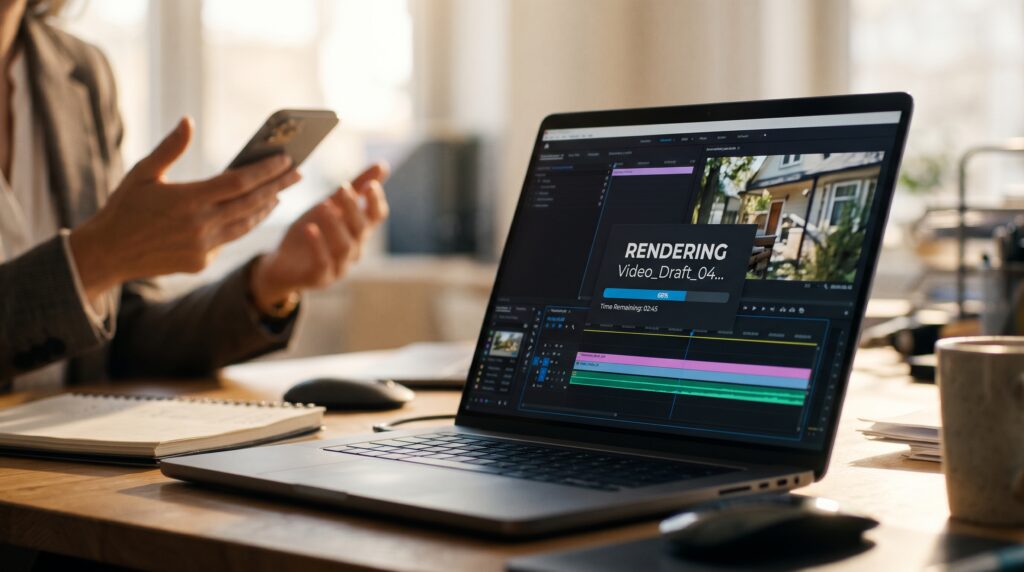
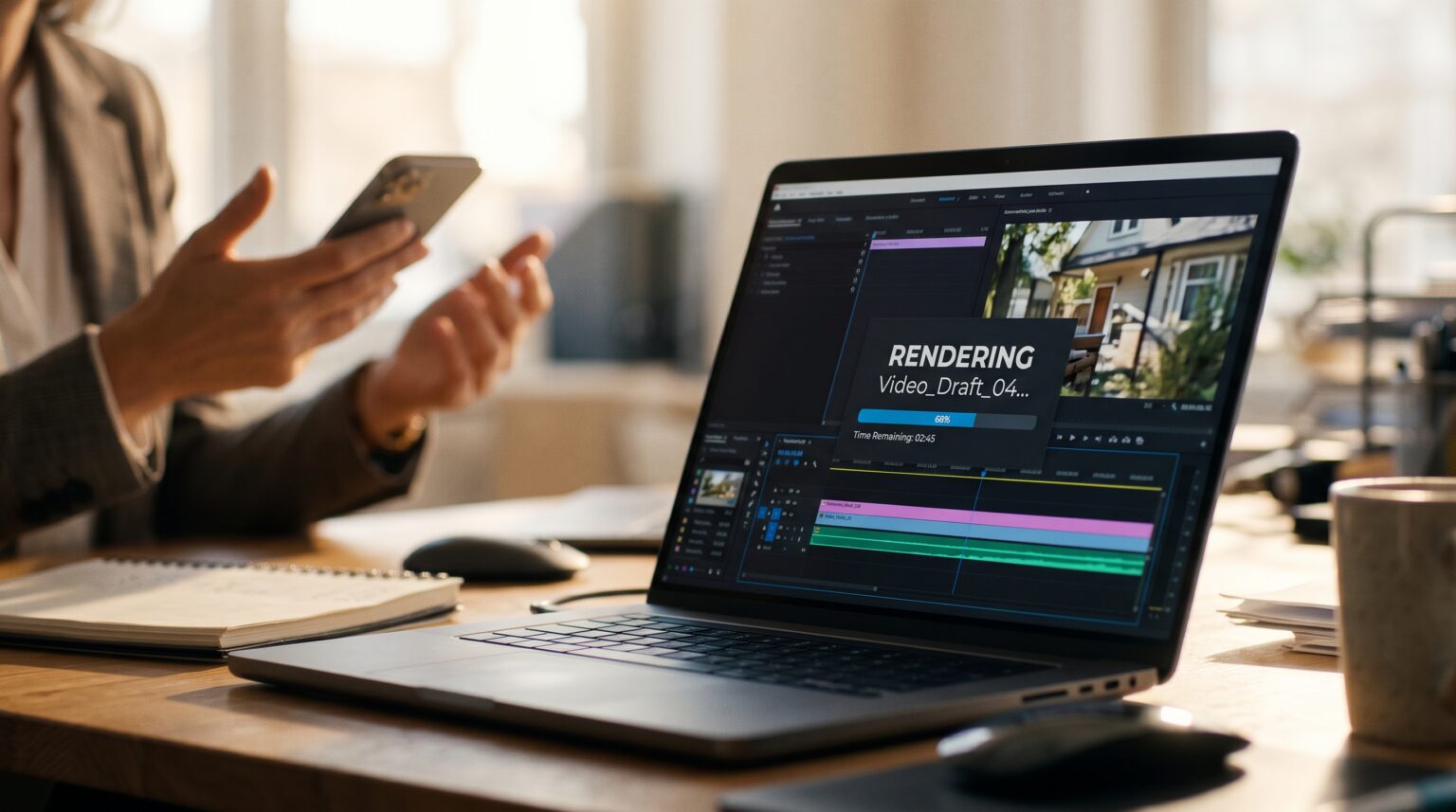
Most AI video editing for real estate means an app that auto-cuts your clip and slaps on captions. It’s decent but not customizable. Claude video editing is different. You can train it to edit exactly how you want it to and save hours each week. The intro of this week’s Tuesday Tips video was edited by Claude. I gave it a raw file, and it added the zooms, the pop-ups, and the motion graphics on its own.
The tool behind it is HyperFrames, running inside Claude Code. It takes about 15–20 minutes to edit a video, but it runs in the background while you keep working. If you make videos, you know editing is the part that kills your consistency. This makes it easy.
What Is HyperFrames?
HyperFrames is a free, open-source project from HeyGen that turns video into code, so an AI agent like Claude can edit it. Claude writes the edit, and HyperFrames renders it into an MP4.
Traditional editing is made for a person clicking around a timeline, meaning AI can’t do much with that. HyperFrames describes a video in HTML, which is something Claude already understands. That’s why it can handle zooms, text pop-ups, lower thirds, captions, intros, outros, and b-roll from a plain-English request.
I pair it with Nate Herk’s Herk Edit Kit, a free set of editing skills on top of HyperFrames. It adds things like cutting silences, cutting mistakes, and short-form edits. If you haven’t used skills yet, I covered how Claude skills work in episode #4.
What You Need Before You Start
You need a paid Claude plan and the Claude Code desktop app. There’s no separate video subscription. Claude Code is included starting with the Pro plan, but the free plan doesn’t include it.
| What | Why | Cost |
|---|---|---|
| Claude Pro or higher | Includes Claude Code, which runs the edit | Pro starts at $20/month |
| Claude Code (desktop app) | Where you drop the file and give the instructions | Included |
| Node.js 22+, Git, FFmpeg, Chrome | The tools HyperFrames uses to build and render video | Free |
| HyperFrames + Herk Edit Kit | The editing skills | Free (open source) |
| API keys (ElevenLabs, OpenAI, etc.) | Optional. Transcription can run on local Whisper instead | Optional |
One heads-up: Claude Code and regular Claude chat share the same usage limit. A 15–20 minute edit uses a real chunk of it, so don’t start one right before a big chat session.
How to Set Up HyperFrames in Claude Code
Setup is the most technical part, and you only do it once. The easiest way is to hand the setup instructions to Claude Code and let it install everything for you. I wrote a setup guide for exactly that. It works for a person or for Claude, and every command is copy-paste ready.
⬇ Download the free HyperFrames setup guide
Drop the file into Claude Code and tell it to follow the guide. Here’s what it walks through:
- Install the prerequisites: Node.js 22 or newer, Git, FFmpeg, and Chrome.
- Install the official HyperFrames skills:
npx --yes hyperframes skills update - Clone the Herk Edit Kit and set it up:
git clone https://github.com/nateherkai/herk-edit-kit.git, then runnpm ciandnpm run setupinside that folder. - Test it: run
npm run demoand render the demo. If you get an MP4, everything works. - Restart Claude Code so the new skills load.
How Claude Video Editing Works: Upload, Prompt, Walk Away
To edit a video, open the kit folder in Claude Code, add your raw file, and tell Claude what you want. The kit’s editing skills only load when Claude Code is working inside that folder, so this step matters.
Here’s the kind of request I give it:
Edit raw-intro.mp4 using HyperFrames. Add punch-in zooms on key lines, text pop-ups for the main points, and a short branded intro. Keep it fast-paced and clean. Use my brand colors: #007E67 and #E3E4DB. Render a draft first so I can review it.
Then let it run. It takes 15–20 minutes. I go work on something else and come back to a draft. If something’s off, tell it and it re-renders.
Before you publish anything, rebrand the kit. A fresh install ships with the kit author’s default colors and fonts, so ask Claude to swap in your own branding and preferences.
Where This Fits for Agents (and What to Watch)
Claude video editing is best for videos you already shoot but never get around to editing: market updates, listing walkthroughs, tips videos, and short-form reels. It won’t replace a pro editor on a luxury listing film. For the weekly content that keeps you top of mind, it’s more than enough.
If you want a simpler AI video tool for listings, start with AI property videos with AutoReel. For the full picture, see AI tools for real estate agents and the Claude for realtors guide.
FAQ
Is HyperFrames free?
Yes. HyperFrames and the Herk Edit Kit are both free and open source. The only cost is a paid Claude plan that includes Claude Code.
Do I need to know how to code?
No. Claude writes all the code. You’ll run a few install commands once, and Claude Code can run those for you too. After that, you just describe the edit you want.
Ready to try it? Grab the free setup guide, hand it to Claude Code, and edit your next video while you work on something else.
If you want to get comfortable with Claude before trying something like this, that’s what Parciva’s AI Accelerator is for. It’s real, practical AI training for agents. No gurus.