
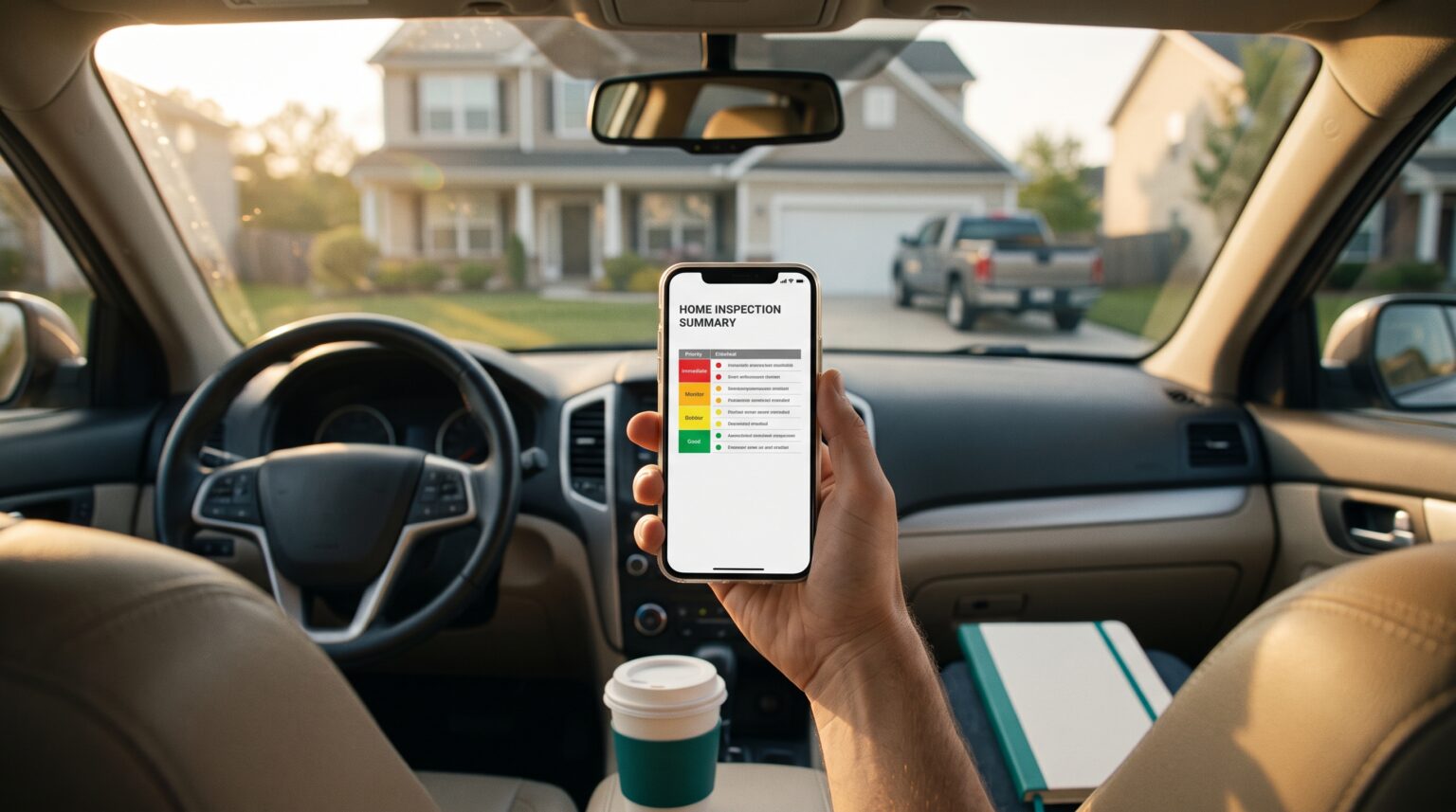
Last week I taught an hour-long AI class to a room of about 50 real estate agents. When I asked who knew what a Claude skill was, two people raised their hands. Two out of 50.
That’s a problem, because Claude skills for realtors are one of the simplest ways to stop retyping the same instructions every week. In this Tuesday Tips video, I explain what a skill actually is, and then we build one together: a skill that reads your inspection reports and turns them into a calm, one-page summary your buyer or seller can actually read, with what’s worth negotiating and a recommended ask.
What is a Claude skill?
A Claude skill is a saved set of instructions that tells Claude how to do one specific task your way. You write it once, and Claude uses it whenever you ask for that task. You don’t have to explain yourself from scratch every time.
Think of it as the checklist you’d hand a new assistant: “When a client sends an inspection report, here’s what I need back, in this format, in this tone.” Anthropic’s own help center notes that simple skills are written in plain Markdown, with no coding required.
| What it is | Best for | |
|---|---|---|
| A prompt | Instructions you type into one chat | One-off tasks |
| A Project | A workspace with saved files and context | Ongoing work on one listing, client, or your brand |
| A skill | Reusable instructions for one task | Anything you do the same way every week |
Why an inspection report makes a great first skill
Inspection reports are long, technical, and written to protect the inspector, not to reassure your client. A buyer reads “evidence of moisture” on page 31 and starts thinking about walking away. Meanwhile, the issues that actually matter are buried between notes about loose cabinet hinges.
That makes this a perfect first skill. The input is the same every time, the output is the same every time, and the payoff is real. A clear summary helps your client separate what needs a specialist from what’s routine maintenance, before panic kills the deal.
How to build a Claude skill, step by step
You describe the job, Claude turns it into skill instructions, you save it, and you test it on a real report. Here’s the process from the video.
- Turn on skills. In Claude, open Customize > Skills. This skill builds a PDF, so Claude’s code execution and file creation setting needs to be on too.
- Describe the job in plain English. Tell Claude which reports you’ll upload, who the summary is for, what your client should walk away knowing, and what it should never do.
- Have Claude write the skill. Ask Claude to turn your description into a skill. Read what it gives you, and push back on anything that’s off.
- Save it.
- Test it on a real report. Upload the reports, tell it whether you represent the buyer or the seller, and read the PDF before it goes anywhere. If something’s off, fix the skill, not just the chat.
What the Inspection Strategist skill does
It reads every report you upload and builds a one-page PDF with three buckets and a recommended ask. Before it reads anything, it asks one question: are you representing the buyer or the seller? The whole summary changes based on that answer.
It handles the reports South Florida deals actually run on: the general inspection, the 4-point, the wind mitigation report, and the WDO (termite) report. Here’s what your client sees:
| Section | What’s in it |
|---|---|
| The big picture | Two sentences: the home’s overall condition and what matters most |
| Worth Negotiating | Safety issues, major systems, leaks, termites, and anything that affects insurance, each with a ballpark cost range |
| Worth Knowing, Not a Big Deal | Normal wear and cosmetic items, grouped so they don’t look like a list of problems |
| Insurance and South Florida Factors | Roof age, wind mitigation credits and gaps, 4-point red flags, and termite findings |
| Recommended Ask | A range for repairs or a credit, with the reasoning (for sellers: what to offer and what to decline) |
Get the skill
The skill itself is a single .md file. When you run it, it creates the one-page PDF for your client. The file is long because it includes the script that builds that PDF, but you don’t need to read it or understand the code.
Here’s the heart of it, the part that decides what goes in each bucket:
1. Worth Negotiating. Safety issues, major systems (roof, HVAC, electrical,
plumbing, structure), active leaks or moisture, active termite activity or
damage, and anything that affects insurability. Each item gets a plain-English
"why it matters" and a rough repair cost range.

2. Worth Knowing, Not a Big Deal. Normal wear, minor maintenance, cosmetic
items, and findings typical for the home's age. Group similar small items
together.

3. Insurance Factors. Explain in plain English how each finding affects
insurance cost or eligibility: roof age, wind mitigation, 4-point red flags,
and termite findings.
Download the full Inspection Strategist skill (.md). Open it, copy everything, and save it as a skill in Claude, or upload the file directly.
Make it yours before you use it
Change the cost ranges to fit your market, and read every PDF before it goes to a client.
- Not in South Florida? Swap the cost anchors in Step 5 and the insurance notes in Step 3. Florida carriers’ roof-age rules won’t mean much to a buyer in Ohio.
- Keep the numbers fresh. The cost ranges are ballpark anchors, not quotes. Update them when prices move.
- You’re the agent, not the inspector. The skill never invents findings, and every PDF prints a disclaimer pointing your client back to the full reports and licensed pros. Still, your name is on the footer, so read it before you send it.
Founder’s Take
This episode came straight out of that class. I spent an hour in a room full of agents, and I couldn’t believe less than 10% of them even knew what a Claude skill was. Two out of 50. Skills are the difference between using AI and having AI work the way you work, and they aren’t technical. If you can write a checklist for an assistant, you can build a skill.
Where to go from here
Once you’ve built one skill, you’ll start seeing them everywhere: listing descriptions, price-reduction emails, buyer consultation recaps. A few places to go next:
- New to Claude? Start with the complete guide to Claude for realtors.
- Better instructions make better skills. Use the framework in how to prompt Claude.
- See a skill in action in Tuesday Tips #2: building a listing landing page with Claude and Gamma.
- Browse the rest of the stack in our guide to AI tools for real estate agents.
If you want to go from “I’ve heard of AI” to using it every day in your business, AI Accelerator walks you through it step by step, with no guru fluff.